
Overview
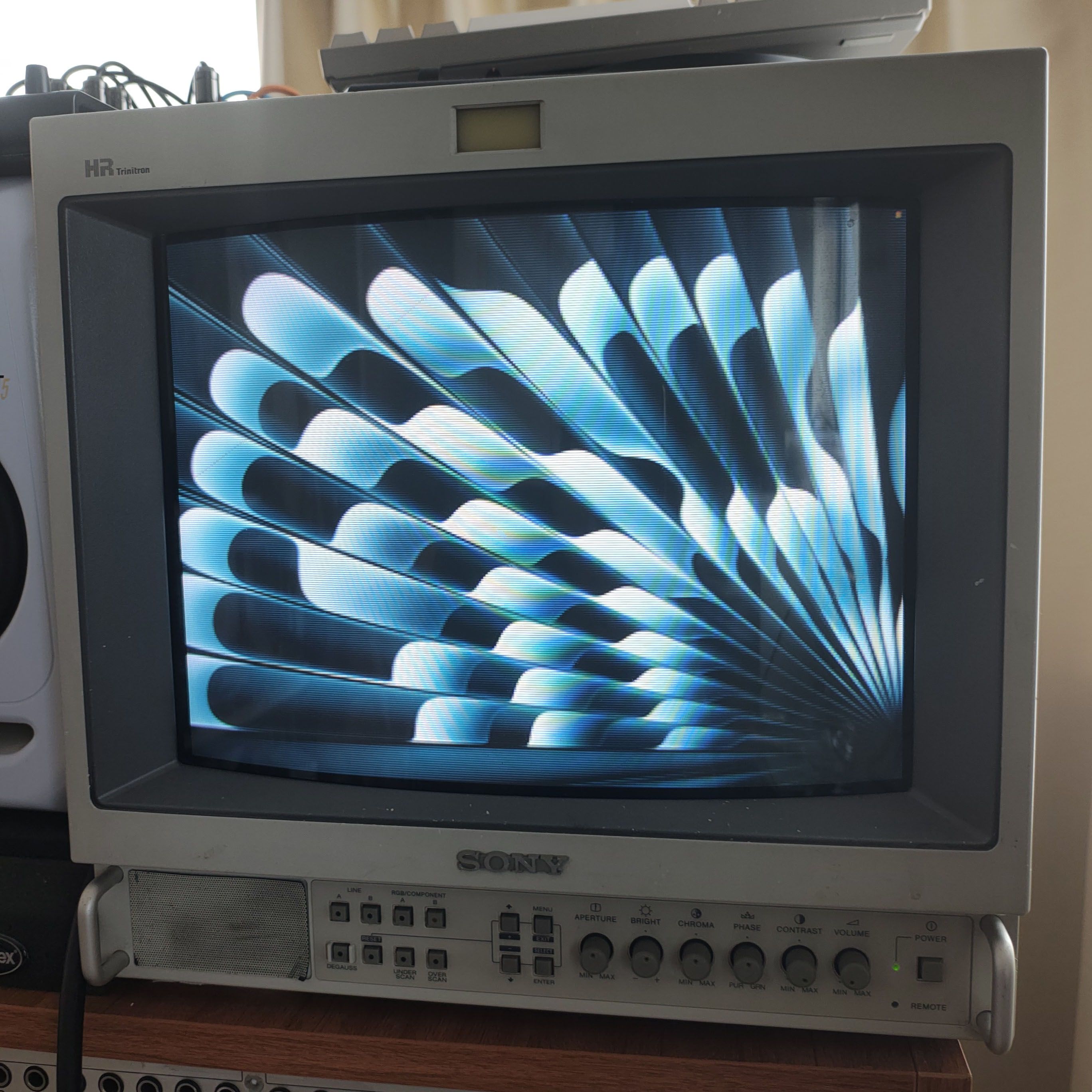
I created a little tool to mirror any display content on a mac to a real CRT, specifically the kind that accepts 15kHz, 240p in RGBS format.
For source code and technical details:
https://github.com/kynantokoro/picrt
How this Mac-to-CRT project started
A while ago I bought a Sony PVM on Yahoo Auctions for around 40,000 yen. It's a professional-grade CRT monitor that was made somewhere around the 80s to the 90s.
These days the word "CRT" mostly gets treated as an effect, something that adds fake scanlines to give things a general "retro" look. But the real thing is a physical monitor with electron beams firing toward your eyes, and once the PVM was sitting on my desk I wanted to make it do what it was actually built for, in the best way possible.
After digging through endless retro tech forums and just as many Claude question rallies, I learned that the best and most authentic way to show an image is 240p over a 15kHz analog RGBS signal, and no modern PC can output that.
To get anything on the screen, you had to use some kind of old device (an old pc or a retro game console), or very specific video gear that didn’t seem to be available where I live.
I could have just stopped there, but I found out about something called the “VGA666“ HAT for the Raspberry Pi that might do the trick.
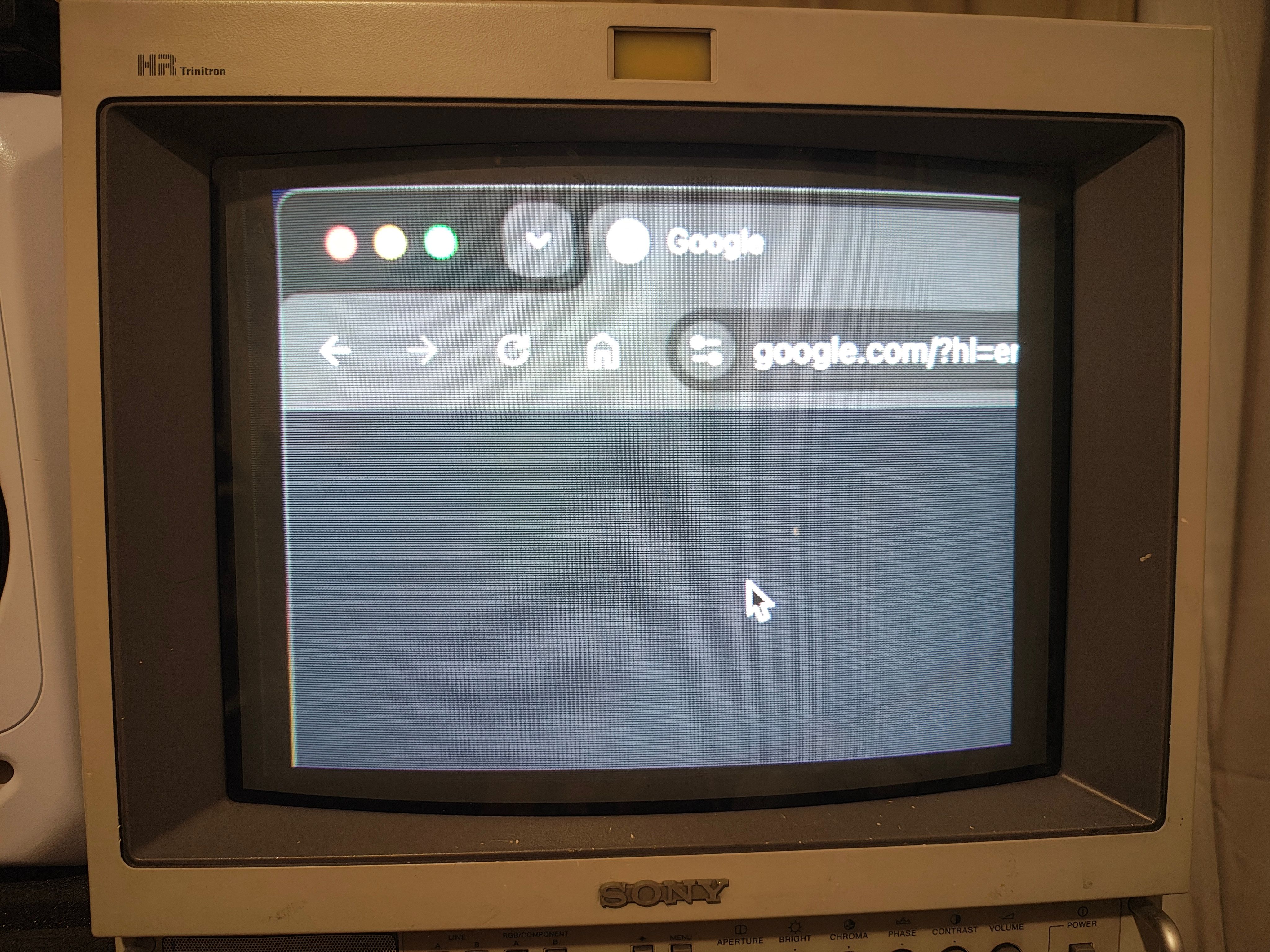
240p is way too small for a modern display!
Getting the Pi to output 15khz
After waiting for the VGA666 to arrive from a sketchy AliExpress store, I connected it to my Raspberry Pi Zero 2W. The VGA output goes into a sync combiner. VGA carries Hsync and Vsync separately, so you need something to merge them into the single combined sync that RGBS expects. (I have a feeling you could probably do this "in the box" on the Pi side, but I went with a separate sync combiner.) From there, a VGA to 5×BNC cable runs into my PVM's RGBS input.
With the hardware connected, I basically booted up Claude Code and kept chatting away until a generated broadcast signal test pattern looked right.
I don't remember every detail since this was a while ago, but I do remember some trouble where a few of the GPIO pins seemed dead. I debugged it by displaying each bit's signal on screen, spotting the problematic pins, and working through them step by step. I think I had to disable Bluetooth (among other things) to free up the pins.
Another thing I remember is that some of the pins seemed flipped or mixed up, which took a fair bit of extra debugging to sort out.
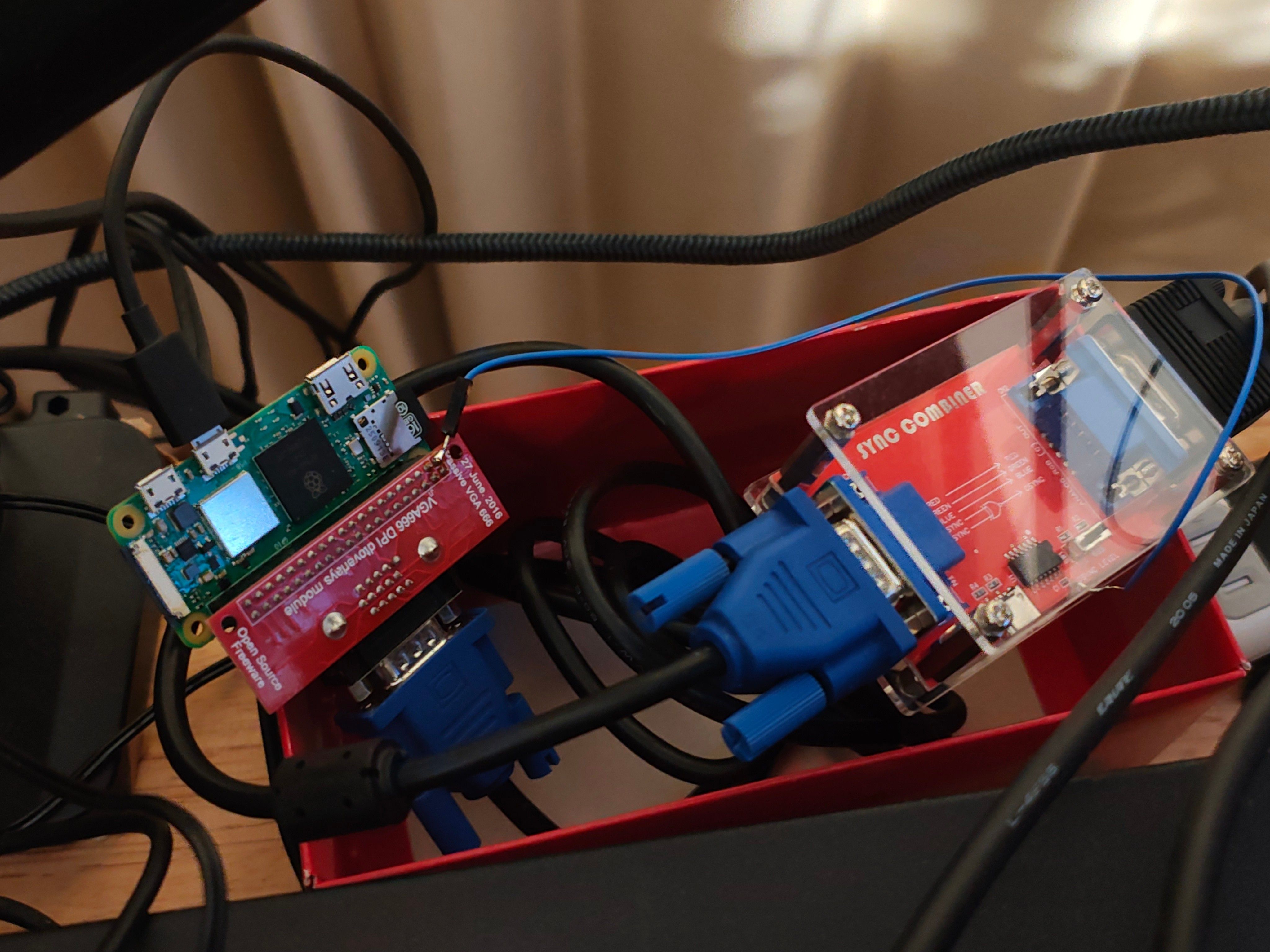
The sync combiner requires a usb cable for a 5v power, but I didn’t want a extra power cable so I connected a jumper cable from the pi 5v pinout… 😅
Streaming pixels to the Pi
After the pi-crt end was working, I started working on the mac-pi part. I wanted low-latency as possible so I was looking for a wired solution. I knew the key would be to identify the bottleneck and build around that to get the best output possible. And again some back and forth with claude and I got the protocol working.
While I was able to get it working, I had to manually allocate the ports and this was a big PITA. I really wanted to have a smooth plug’n’play experience and I ended up using this thing called DHCP. DHCP is short for Dynamic Host Configuration Protocol, and it this was a great moment for me because I really haven’t learned much about networking and this new concept was eye opening for me. I would just disconnect the pi and plug it in, and it just works everytime!
The Mac App
Lastly was the software on the mac. There was really nothing special on this step. I never even used swift but with a couple of prompts I got it working no problem.
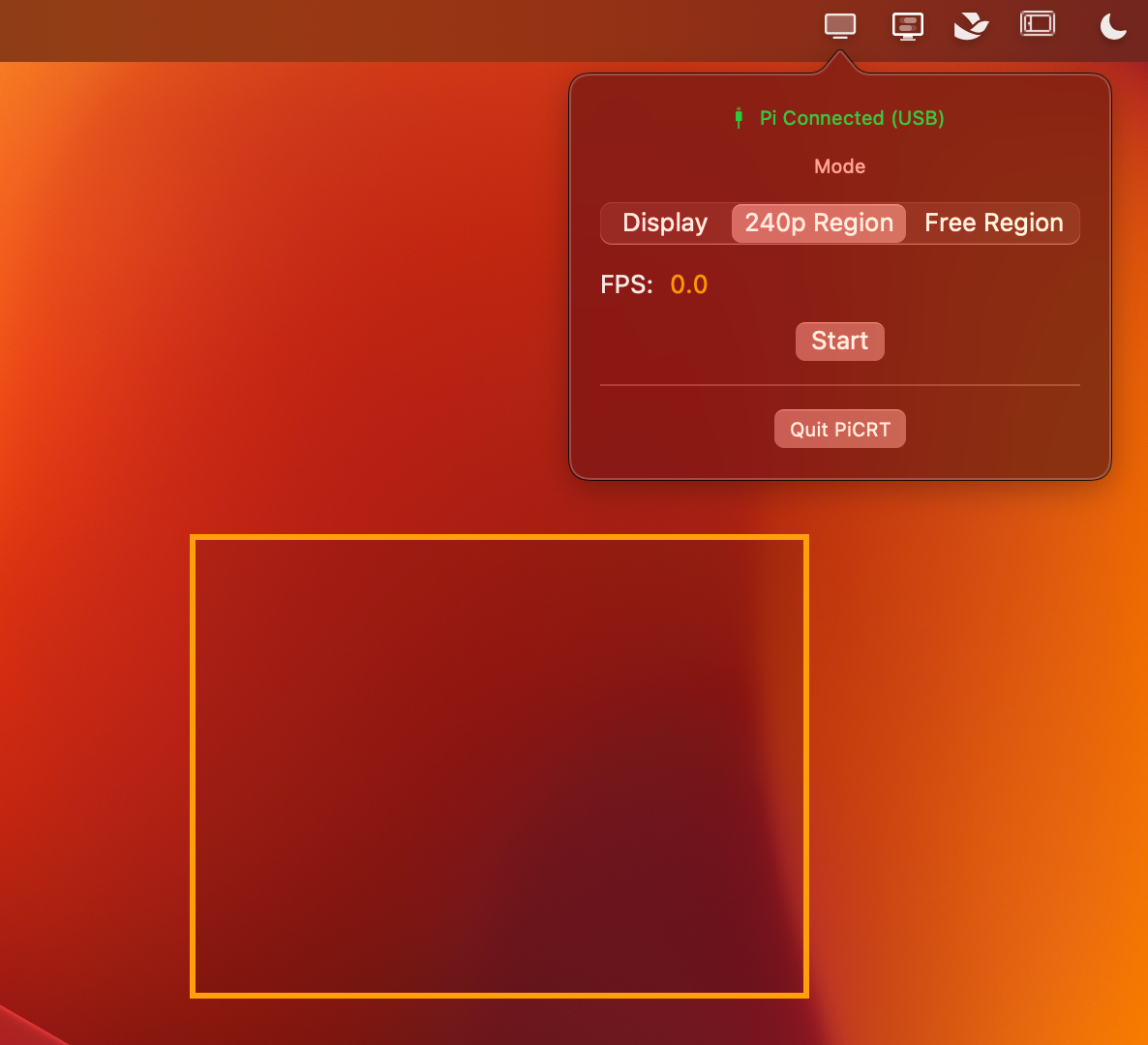
It detects if the pi is connected, and if it’s connected I can cutout a region on the screen or the full screen to the pi.
I mostly use the 240p region mode because it doesn’t squish/blurs the pixels.
A.I. is a great tool to learn and experience new fields
The big takeaway for me is that as long as you have a rough sense of what you want to do and some feel for where the bottleneck is (in my case a hypothesis like "if it's only 240p, maybe even USB can carry it at low latency," plus some math up front to check it was feasible), you can actually pull off a project that reaches deep into areas you don't fully understand. Ofcause with the help of AI. And because I actually went and built it, I picked up things I don't usually touch, like DHCP and UDP, which was genuinely fun to learn.